Browser-based image processing
OCR and image rendering run in your browser. Recognized text is sent to a translation service.
No account · Editable translations · PNG & ZIP export
Translate manga images. Edit every bubble.
Translate manga, manhwa and webtoon images with Free Manga Translator. Choose a JPG, PNG or WebP image, select your languages, then click Process Image. Review and edit the translated text before downloading your page.
See the difference
The same original artwork stays intact while each detected speech bubble becomes editable, cleanly typeset text.
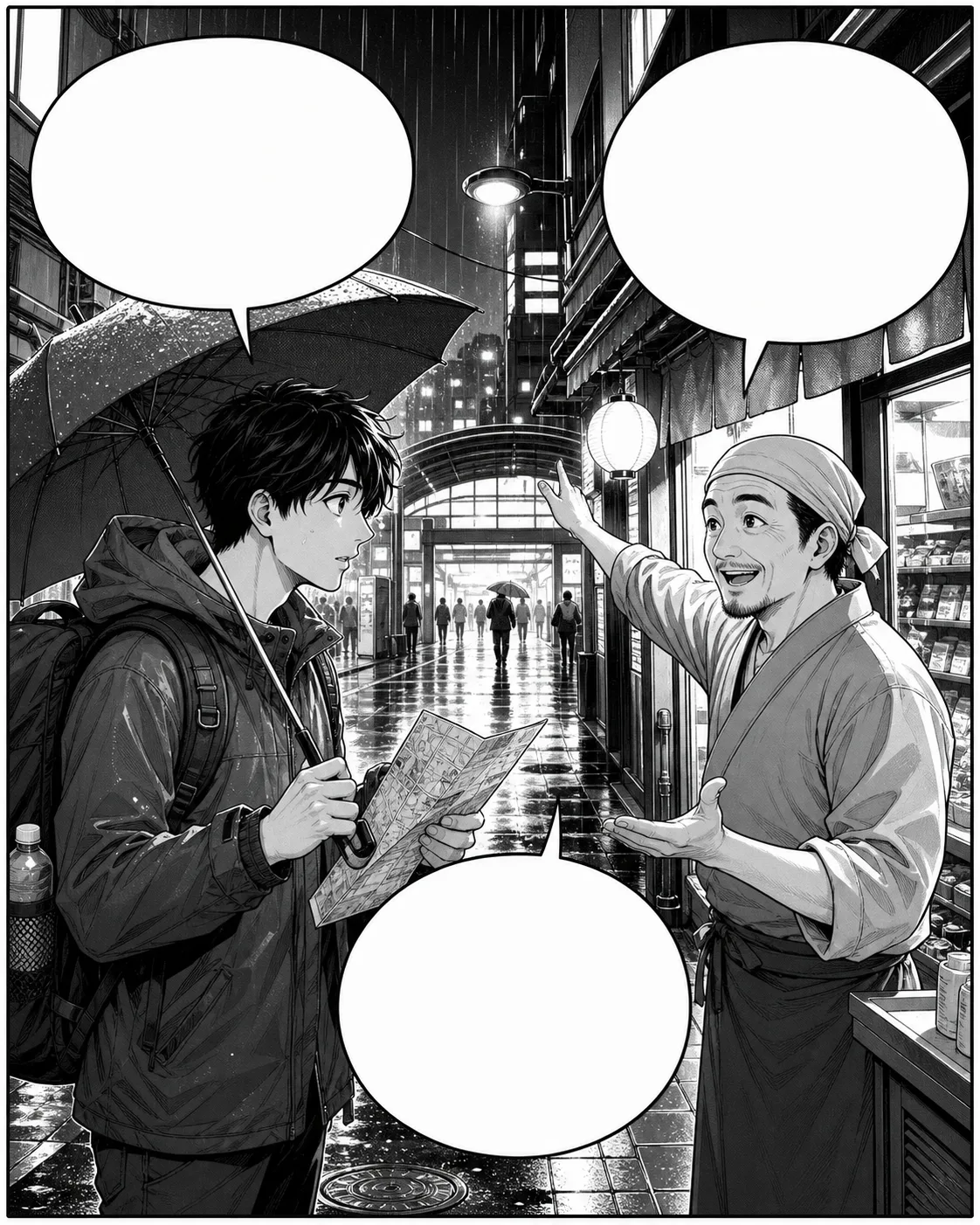 駅はどこですか?まっすぐ行って、右です!ありがとうございます!Where is the station?Straight ahead, then right!Thank you!
OCR and image rendering run in your browser. Recognized text is sent to a translation service.
Correct recognized text and wording before export.
No credits, watermark or registration.
Across genres
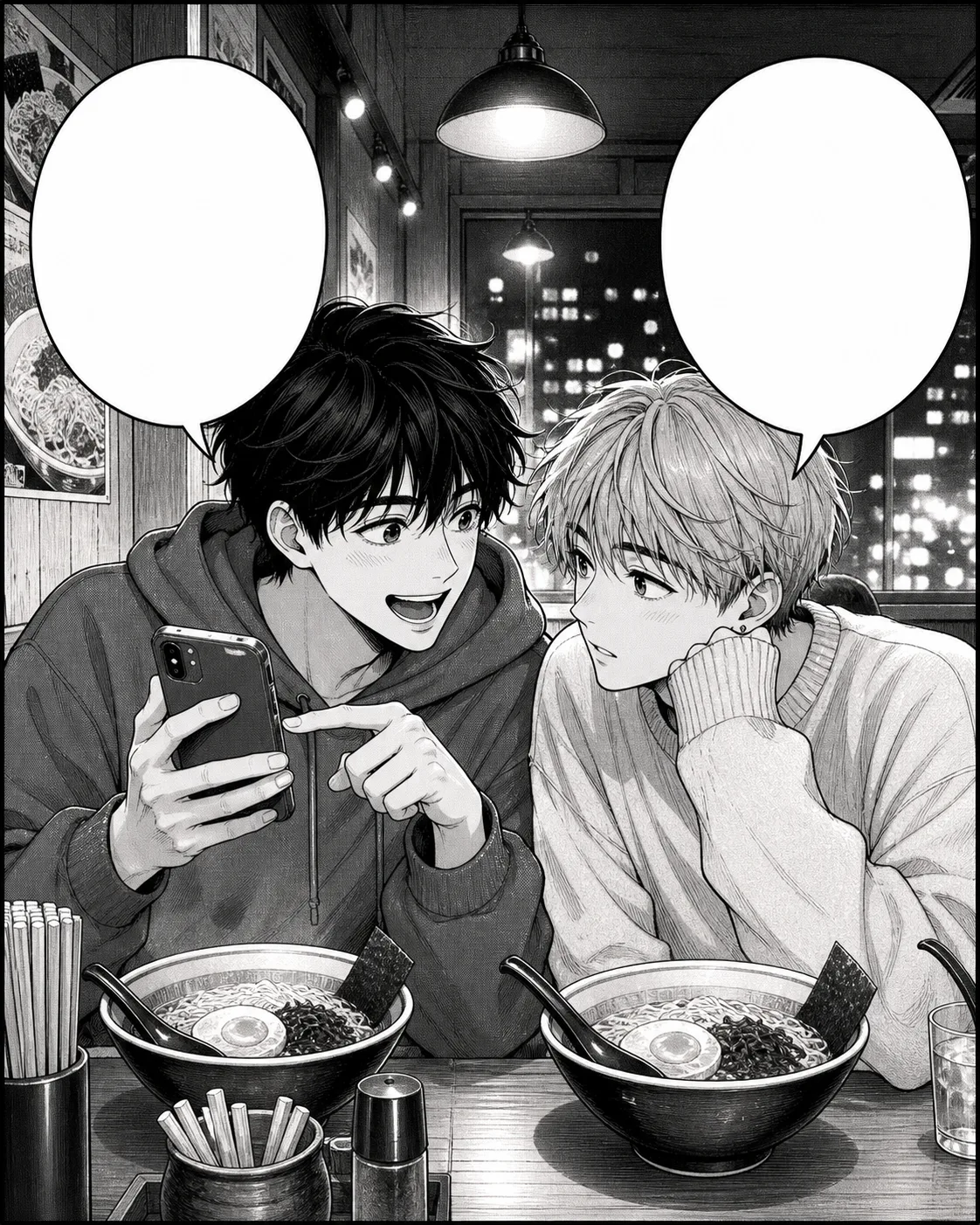 You have to see this new chapter!Right now? Our ramen is getting cold.
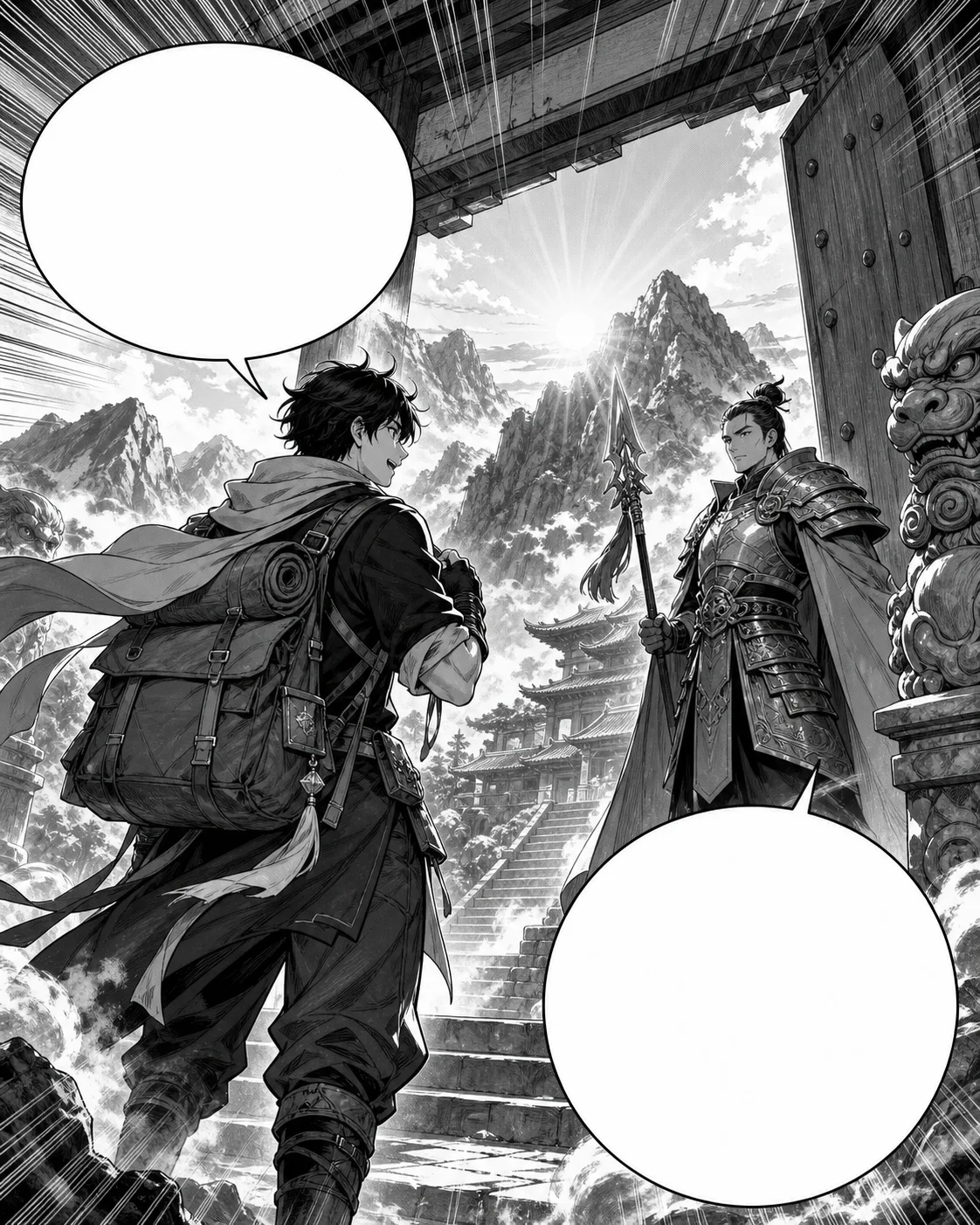 I carry a message for the temple master.Then prove your seal is genuine.
Built for real reading
Add up to 20 manga, manhwa or webtoon images, move between pages, and export the full set as a ZIP.
Switch between the untouched page and translated result while correcting every text region.
Dialogue is translated with page context, and every bubble remains editable before download.
How it works
Choose up to 20 JPG, PNG or WebP images. Your pages appear in the preview while text recognition prepares them in the background.
Select the source language, or use Auto detect, then choose your target language. Click Process Image to start translation. If text recognition is still running, processing continues automatically when it finishes.
Check each translated page before exporting. Use the editor to adjust wording, font size, text width and placement. Download a finished page as PNG, or save your completed pages together as a ZIP.
Manga · Manhwa · Manhua
Quick answer
Free Manga Translator is an online tool for translating text in manga images. It uses optical character recognition (OCR) to read dialogue, translates the recognized text and places editable lettering back onto the page. You can adjust the wording and layout, then export individual PNG images or a ZIP containing your completed pages. It supports manga, manhwa, manhua and webtoon images.
Questions, answered
You can translate, edit and export pages without buying credits or creating an account. Batches support up to 20 images. Security checks and request limits help keep the service available; if a limit is reached, wait before trying again.
OCR and image rendering run in your browser. Recognized text is sent to a translation service to generate the translation.
Use Auto detect or choose the source language yourself, then select a target language. Recognized dialogue is sent for translation. Review the result before exporting, especially names and short expressions that depend on context.
The first use may require your browser to download OCR models and runtime files. Preparation time depends on your connection, device and image size. Later pages may start faster when those resources are cached. After adding an image, click Process Image once; if preparation is still running, translation will continue automatically when it is ready.
Use a clear image with readable lettering. Small screenshots, heavy compression, decorative fonts and text over detailed artwork can reduce recognition accuracy. Keep complete speech bubbles in the image. If Auto detect chooses the wrong source language, select it manually and try again. Always review the translated wording and layout before downloading.
The tool supports Japanese manga text, including vertical dialogue. Recognition can be less reliable when columns are tightly spaced, characters are stylized or small reading aids appear beside the main text. Check that the dialogue has been recognized in the correct order, and review names and short expressions that depend on context.
Automatic cleanup works best inside flat speech bubbles. Detailed artwork may need manual adjustment. Compare the result with the original and review the lettering before export.
Only process pages you own or have permission to translate. This tool does not host, publish or distribute manga files.
Choose your workflow
Start with an image task or open a translator already set to your language pair.